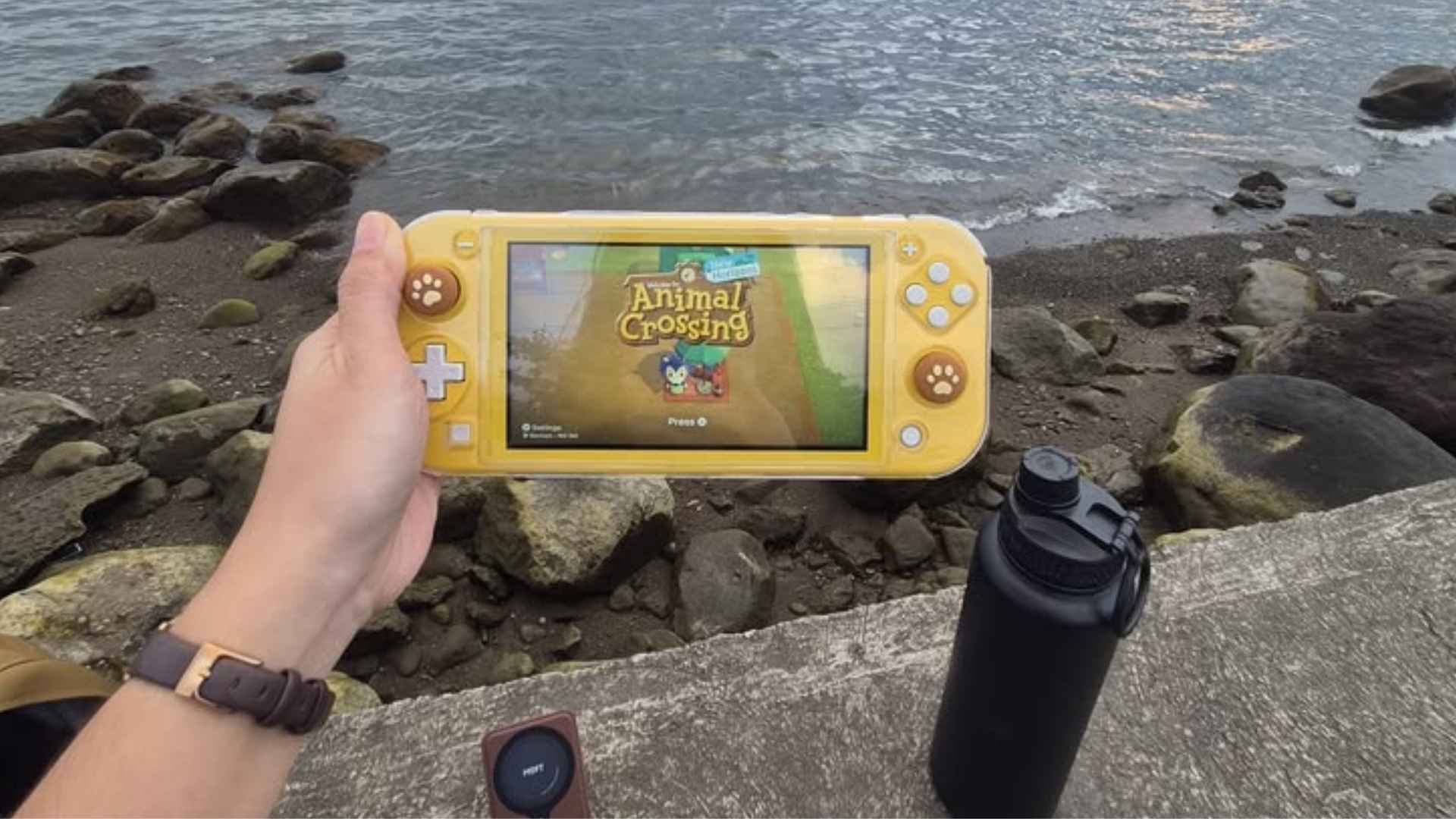
The Nintendo Switch Lite offers a compact and dedicated handheld gaming experience for players on the go. However, understanding its internal storage capacity is crucial before building a digital game library. Knowing how much space is actually available helps gamers manage their downloads effectively.
Internal Storage Capacity of the Switch Lite
Out of the box, the Nintendo Switch Lite comes equipped with 32GB of internal flash storage. While this baseline capacity sounds adequate for basic system needs, not all of it is accessible for personal game saves and software downloads.
A portion of this built-in memory is strictly reserved for the system operating system and essential updates. As a result, users typically have around 26GB to 27GB of actual usable space for games and media content.
How Many Games Fit on the Default Storage
The number of games you can install depends heavily on the specific titles you choose to download. Small indie titles often require less than 1GB, allowing you to store dozens of smaller games simultaneously without running out of space.
Major first-party games and large blockbuster titles tell a completely different story regarding storage requirements. A single large release can easily demand anywhere from 10GB to over 30GB, quickly filling up the onboard memory.
Expanding Storage via MicroSD Cards
Fortunately, Nintendo included a dedicated microSD card slot on the Switch Lite to resolve potential capacity limits. Inserting a memory card allows players to expand their available space substantially without replacing the console.
The handheld supports MicroSD, MicroSDHC, and MicroSDXC cards up to 2TB in capacity. Investing in a high-speed card ensures smooth performance and eliminates the constant need to archive older software files.
Managing Storage Efficiently
Players who prefer not to buy extra storage right away can utilize built-in data management tools. The console interface makes it easy to check available space and archive software that is not currently being played.
Archiving games removes the main application data while safely preserving your save data in the internal system memory. You can redownload your archived titles at any time directly from the Nintendo eShop without losing progress.